
Picture a good week. Your ad is working, a few people shared your number, and suddenly your WhatsApp is buzzing. Forty new chats before lunch.
It should feel great. Instead, it feels like standing in a train station at rush hour. Someone asked about price, someone else sent a photo, and one person said "call me tomorrow." Where did that chat go?
Here's the thing: when you get more leads, you don't usually lose them because they weren't interested. You lose them because nobody got back in time. A WhatsApp CRM helps fix that. Let's see how, step by step.
Why chats get lost in the first place
It's rarely a big mistake. It's small stuff piling up:
A new message pushes the old one out of sight
Two people on your team reply to the same customer, or both assume the other one did
You promise to "get back later" and later never comes
You can't remember if someone is a new enquiry or an old customer
None of this is about working hard enough. A phone chat list was never built to handle a pile of leads.
What a WhatsApp CRM does differently
A CRM is a simple tool that keeps your customers and conversations organised. On WhatsApp, it sits behind your chats and does the remembering for you, so your head doesn't have to.
Here's how to use it to handle far more leads without the chaos.
1. Sort leads by stage, not by time
A chat list is sorted by whoever messaged last. That's the wrong order for sales. What you really want to know is where each person stands.
Set up a few simple stages, like New, Interested, Waiting for payment and Done. Move each lead along as the conversation goes. At a glance, you can see who needs you today and who can wait.
2. Reply fast to new leads
The first few minutes matter a lot. People who message a business on WhatsApp are usually ready to talk right now, and they'll often message a competitor too.
An instant first reply, even a simple "Thanks for reaching out, we'll be with you shortly," keeps them from drifting off. Then a real person can step in with the details.
3. Give every lead an owner
When a lead belongs to everyone, it belongs to no one. Assign each new chat to one person on your team. That person is responsible for it until it's closed.
It sounds basic, but this one habit removes most of the "I thought you replied" moments.
4. Write things down as you go
After a call or chat, add a quick note: "Wants the blue one, budget is tight, decides on Friday." Two lines. Next time anyone opens that chat, they know exactly where to pick up.
You'll sound far more caring when you remember small details, and customers notice.
5. Set follow-up reminders
Most sales don't happen on the first message. They happen on the third or fourth. But nobody remembers to follow up on day three when there are forty new chats.
Set a reminder the moment you finish a conversation. When the day comes, you get a nudge, and the lead feels looked after instead of chased.
6. Use tags to find people quickly
Tag leads by what they asked about or where they came from, like "Instagram ad", "Diwali offer" or "bulk order". Later, you can find all of them in seconds and send a relevant message, instead of scrolling through hundreds of chats.
A simple day with a WhatsApp CRM
Say it's 10 a.m. You open your dashboard and see five new leads, three people waiting for your reply, and two follow-ups due today. You know your plan before you've finished your tea.
Compare that with scrolling through a messy chat list, hoping you spot the important one. That's the difference.
Do you really need one?
Probably, if you're nodding to any of these:
You get more chats than you can keep track of
Your team shares WhatsApp and things slip through
You've lost a sale because you replied too late
You keep notes in a notebook, a spreadsheet, or your head
If you only get a handful of chats a week, the regular app may be fine for now. But once leads start growing, it's much easier to set things up early than to fix a mess later.
How Zapp fits in
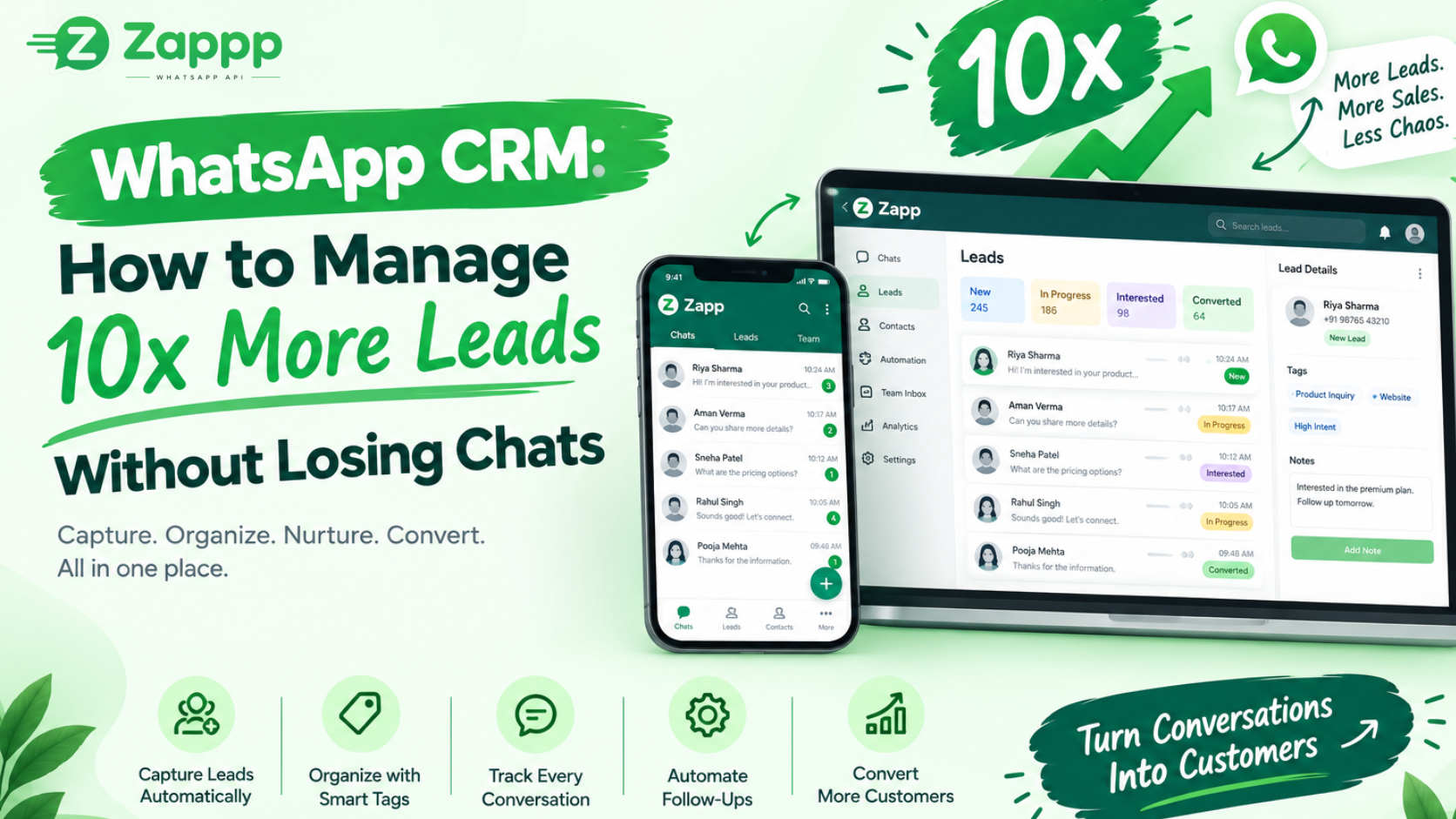
Zapp is a WhatsApp Business API platform with a CRM built in, so your chats, lead stages, notes and reminders all live in one place. You don't have to jump between your WhatsApp and a separate spreadsheet.
Final thoughts
You don't need to work ten times harder to handle ten times the leads. You just need a better system behind your chats, so every message gets noticed and every lead gets a proper reply.
Want to see how that looks for your business? Book a free demo with Zapp and we'll show you.