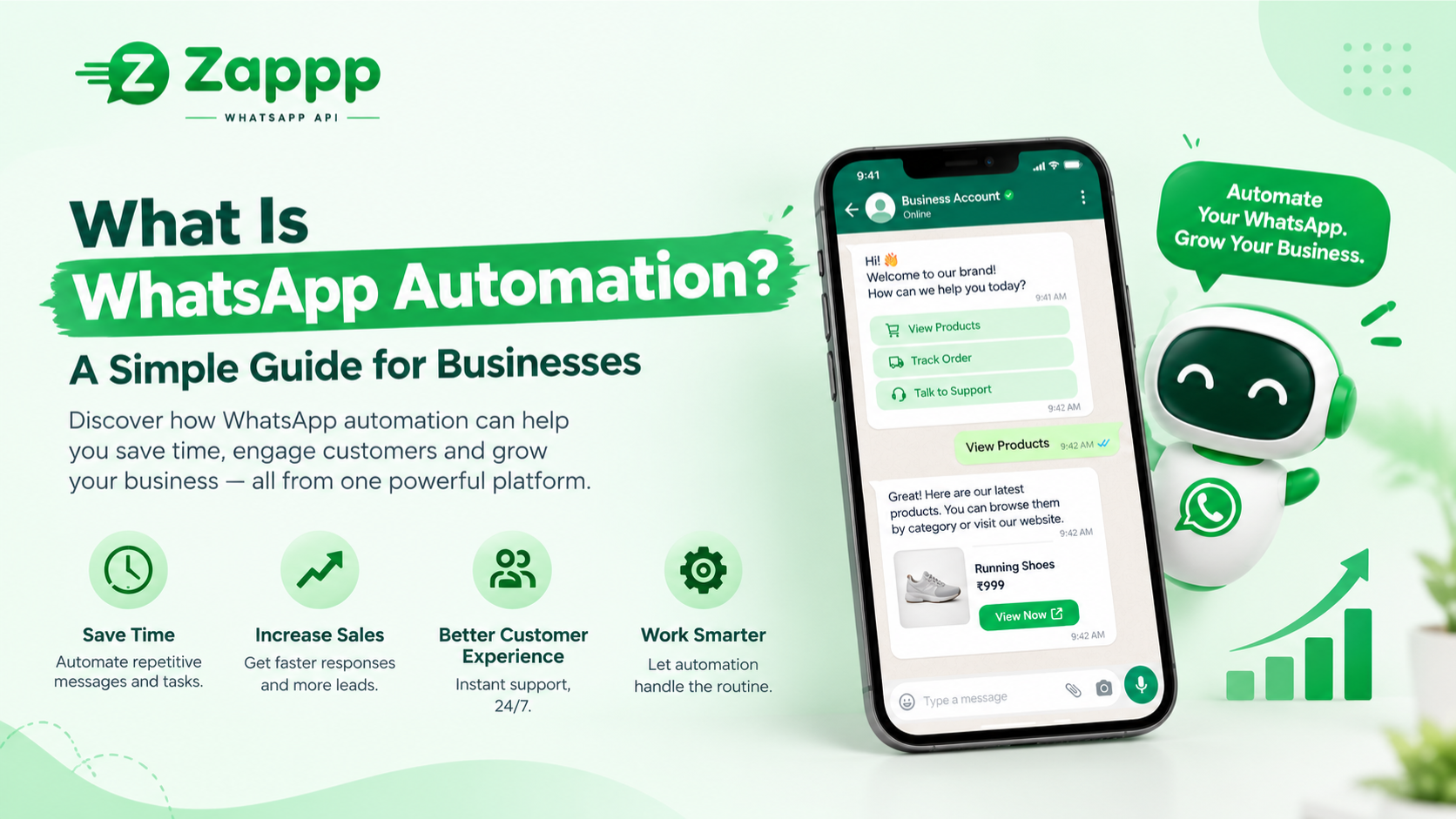
Picture this. It’s 9 pm, you’re finally sitting down for dinner, and your phone buzzes. A customer wants to know if you’re open tomorrow. Ten minutes later, another one asks about delivery. You’ve answered both of these questions a hundred times before.
If that sounds like your week, you’re the person WhatsApp automation was made for.
So, what is WhatsApp automation?
It just means letting software reply to WhatsApp messages for you.
You decide the rules. When someone says hello, send this. When someone asks about timings, send that. When someone books an appointment, send a reminder the day before. The software follows your rules while you get on with your day.
It’s not about replacing your team or pretending to be a person. It’s about handling the boring, repeated stuff so you and your staff can spend time on the chats that actually need a human.
How does it work?
Think of it as three small steps.
Something happens, like a customer typing “price.” The software notices and does what you told it to, like sending your price list. And whatever the customer shares gets saved, so you don’t lose it in a long chat.
You set all this up in a visual builder, a bit like drawing a flowchart. You connect boxes together, type your messages, and you’re done. No coding.
The kinds of automation you’ll come across
You’ll hear a lot of terms, so here’s what they actually mean.
Auto replies. A welcome message when someone first writes to you, or a “we’ll reply in the morning” note after hours.
Chatbots. These guide customers through choices, like “Reply 1 for orders, 2 for bookings.” Some newer ones use AI, so customers can type in their own words and still get a sensible answer.
Broadcasts. One message sent to many people at once, like a new offer or an update. Only send these to people who’ve agreed to hear from you.
Reminders. Appointment times, payment dates, delivery updates. People forget, and a gentle nudge helps everyone.
Lead capture. The chat asks a few simple questions and saves the answers, so every enquiry ends up somewhere you can find it.
A quick word on the WhatsApp Business API
The normal WhatsApp Business app is fine when you’re small. It has basic auto replies, but it’s really meant for one phone and a handful of chats.
Once you want proper flows, a chatbot, or several team members replying from one number, you’ll need the WhatsApp Business API. A platform like Zappp sets it up for you, so you don’t have to deal with the technical side.
There are two rules worth knowing. First, message only people who’ve agreed to hear from you. Second, after a customer writes to you, you can reply freely for 24 hours. If you want to start a chat after that, you use a pre-approved message template. It sounds fussy, but it keeps WhatsApp free of spam, which is good for everyone.
What should you automate?
Here’s a simple way to decide. If you answer it the same way every time, automate it. If it needs feelings or judgement, keep it human.
Good things to hand over: greetings, opening hours, addresses, order updates, reminders, collecting a name and a requirement from a new customer.
Things to keep for yourself: an upset customer, a custom quote, a worried parent, anything sensitive.
And please, always let people reach a real person. Nothing frustrates a customer more than feeling stuck with a bot that doesn’t understand them.
Why bother?
A few things tend to change quickly.
Customers get answers in seconds instead of hours, even at midnight. Fewer enquiries slip away, because every chat is saved. Your team stops typing the same sentence all day. And you can take on more customers without needing more people straight away.
Most owners say the biggest difference is simply feeling less tied to their phone.
How to get started without overthinking it
You don’t need a big plan. Try this.
Start by scrolling through your recent chats. Which questions do you answer again and again? Pick the top five.
Then set up just one or two things, like a welcome message and a few quick answers. That’s plenty for the first week.
Write the way you talk. If you wouldn’t say “Dear valued customer, we appreciate your esteemed enquiry” out loud, don’t type it. Short and friendly wins.
Finally, test it yourself. Send your own business a message and see how it feels. Ask a friend to try it too. If something’s confusing, fix it, and then add the next flow.
Mistakes people make
Most people go wrong in the same few ways. They try to automate everything on day one. They write stiff, robotic messages. They hide the option to talk to a person. They message people who never asked to hear from them. And they set it up once, then never look at it again.
Avoid those, and you’re already ahead of most.
Where Zappp fits in
Zappp is a WhatsApp automation platform built to make all this easy. You can build flows without coding, set up an AI or button-based chatbot, send broadcasts, collect leads with WhatsApp forms, and keep every customer in a simple CRM. Your whole team can reply from one shared inbox, and it connects with tools like Shopify, Google Sheets and Razorpay.
If you’d like to see how it feels, you can try it free for 14 days, or book a demo and we’ll walk you through it.
Final thoughts
Good customer service isn’t about being online all day. It’s about making sure no one is left waiting. WhatsApp automation helps you do that, without wearing yourself out.
Pick one small thing this week, maybe just a welcome message, and set it up. Once you see it working, you’ll wonder why you didn’t do it sooner.
FAQs
What is WhatsApp automation in simple words?
It’s software that sends and answers WhatsApp messages for you, based on rules you choose.
Is it allowed by WhatsApp?
Yes, as long as you use the official WhatsApp Business API or a trusted provider, and message only people who’ve agreed to hear from you.
Do I need to know coding?
No. You build flows by connecting simple blocks.
Is a chatbot the same as automation?
Not quite. A chatbot is one kind of automation. Reminders, broadcasts, and lead capture are automation too.
Can a small business use it?
Absolutely. Even a one-person shop can save hours a week with a welcome message and a few quick answers