
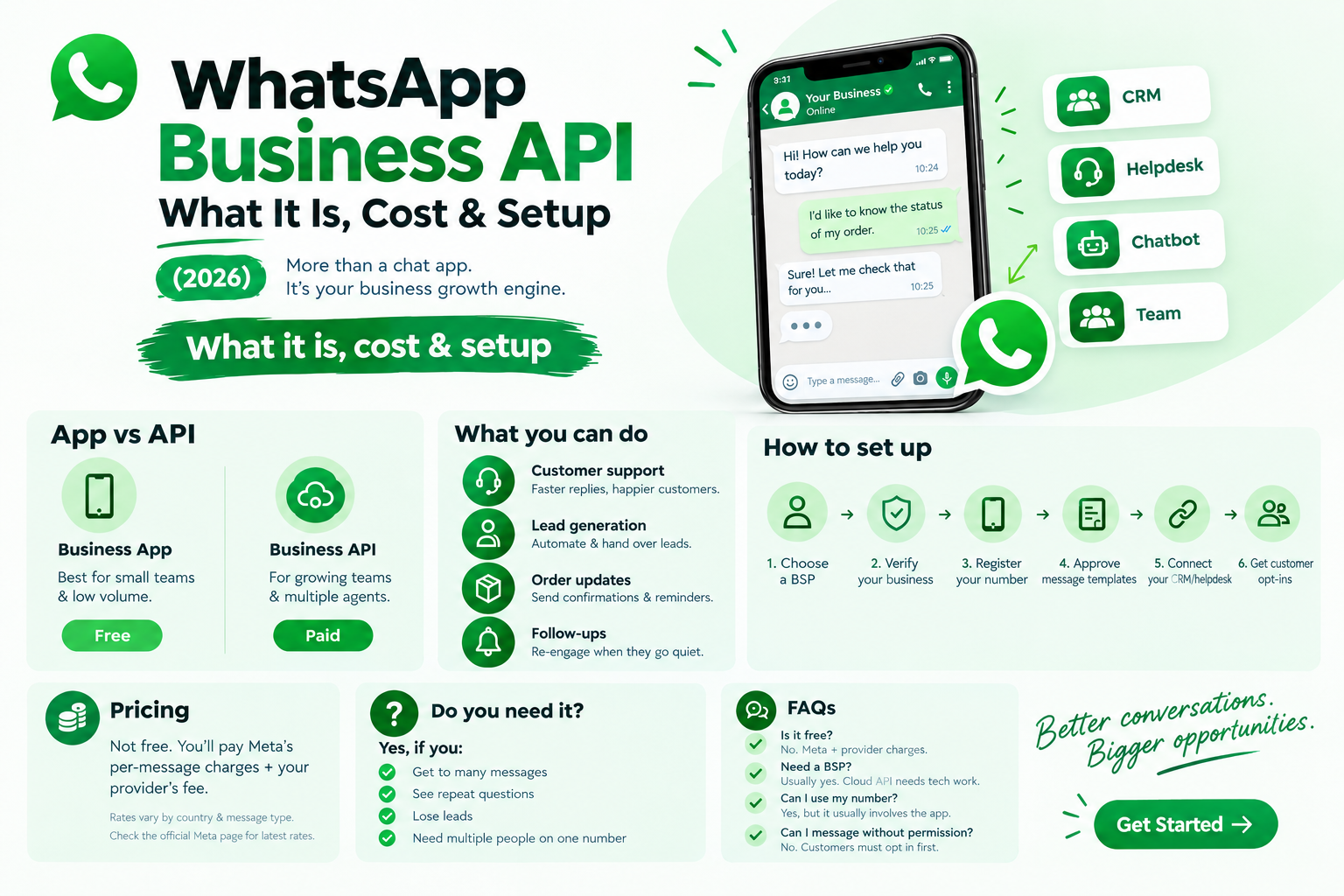
WhatsApp Business API: What It Is, Cost & Setup (2026)
The WhatsApp Business API lets you connect your business's WhatsApp number to a CRM, helpdesk, or chatbot, so a whole team can handle customer chats from one number. If you're getting more messages than one phone can handle, this is the upgrade to look at.
WhatsApp Business App vs. WhatsApp Business API
The free Business App suits a single owner or a small team that replies manually from a phone. The Business API is a paid platform for teams: multiple agents on one number, CRM integration, and full chatbot automation. If you get only a few dozen messages a day, the regular app is enough.
What businesses use the WhatsApp Business API for
- Customer support: bots answer repeat questions in seconds, so your team handles the complex ones
- Lead generation: an automated flow qualifies leads and passes them to the right salesperson
- Order updates and reminders: confirmations, shipping alerts, and appointment reminders sent automatically
- Follow-ups: a gentle nudge when an enquiry goes quiet
How to set up the WhatsApp Business API
- Choose a WhatsApp Business Solution Provider (BSP)
- Verify your business with Meta
- Register your phone number (ask whether it can stay on the regular app)
- Get your message templates approved
- Connect your CRM, helpdesk, or chatbot
- Collect customer opt-ins
Two rules to remember: customers must opt in, and after 24 hours from their last message, you can only reach them with an approved template.
Do you need the WhatsApp Business API?
Yes, if your team can't keep up with messages, you answer the same questions all day, leads go cold, or several people need one number. If not, stay on the free app for now.