
It’s 9 pm. You’re finally having dinner when your phone buzzes. A customer wants to know your price. Ten minutes later, someone else asks what time you open tomorrow. By the end of the week, you’ve typed the same few answers fifty times.
If that sounds familiar, you’re not alone. Most small business owners in Bhubaneswar and across Odisha run their whole business on WhatsApp. It’s where customers ask, book, pay and complain. The problem is that it all lands on one person’s phone.
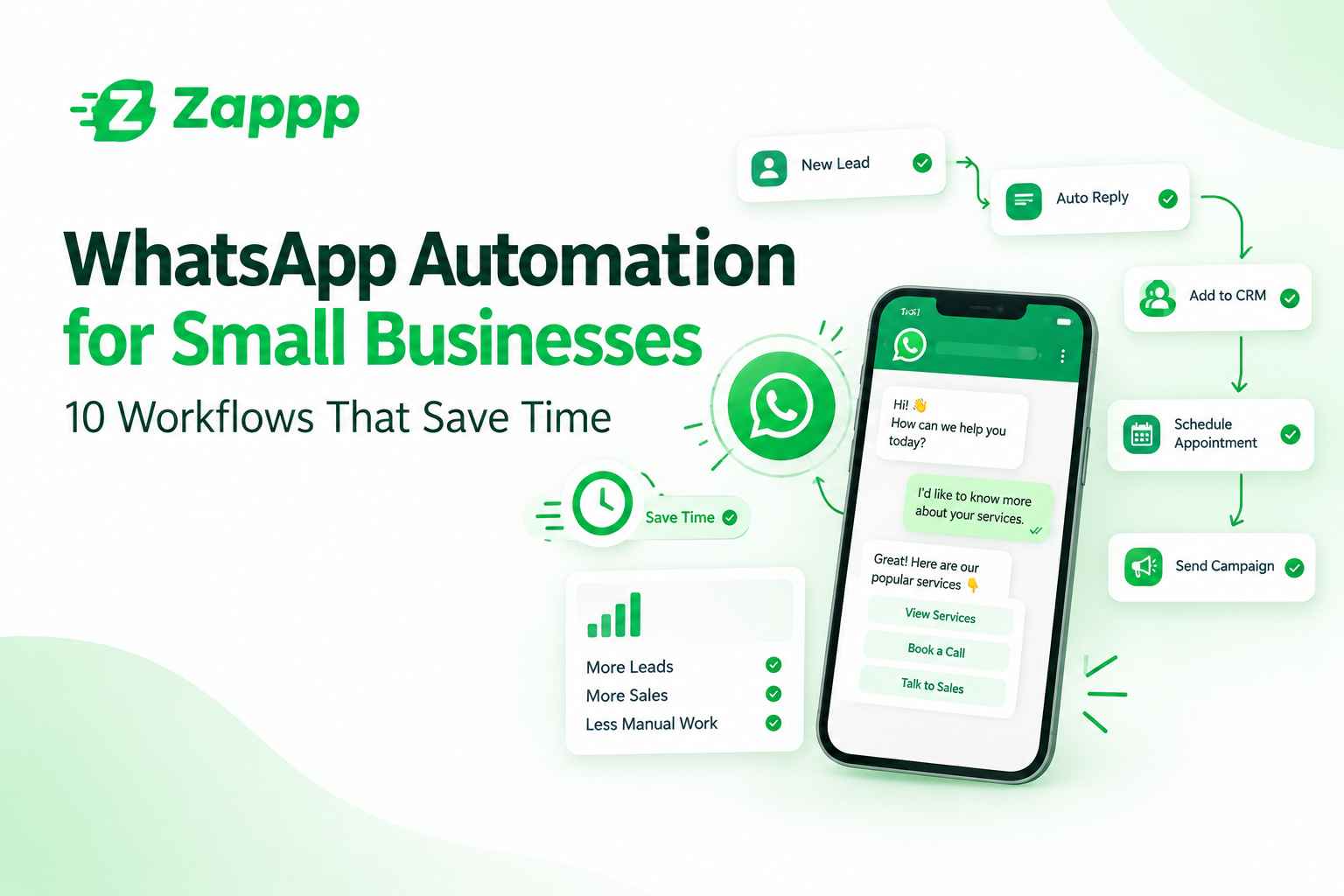
That’s where WhatsApp automation for small business helps. You set up a few simple rules, and WhatsApp handles the routine messages for you. You step in only when a real conversation is needed.
Here are 10 workflows you can start with.
What is WhatsApp automation?
It means sending and answering WhatsApp messages automatically, based on rules you choose. A customer sends a word, fills a form or books a slot, and the right reply goes out right away. You don’t have to be near your phone.
10 WhatsApp automation workflows
1. A welcome message for new chats
The first reply matters. If someone waits an hour to hear back, they may already have messaged your competitor. A welcome message goes out the moment a new customer says hello.
Example: “Hi! Thanks for messaging Sharma Home Bakery. Reply 1 for our menu, 2 for custom cakes, or 3 to talk to us.”
2. Collecting leads without a form
Many enquiries get lost in a long chat list. Instead, let the chat ask the questions. Name, what they need, their city. The answers get saved against the contact, so nothing is missed.
Example: A coaching centre asks, “Which class are you looking for?” and then, “What batch time suits you?”
3. Answers to common questions
Timings, address, delivery areas, payment options. You answer these every single day. Let automation do it in seconds, even at midnight.
Example: A customer types “location” and gets your address, a map link and your opening hours.
4. Appointment booking and reminders
People forget. A reminder the day before, and another a couple of hours ahead, can cut no-shows by a lot. Clinics, salons, tutors and repair shops love this one.
Example: “Reminder: your appointment is tomorrow at 11 am. Reply YES to confirm or RESCHEDULE to pick another time.”
5. Order updates
Customers get nervous when they don’t hear anything. Send a quick message when the order is placed, packed and on its way. It saves you from the “where is my order?” messages.
6. Gentle payment reminders
Asking for money is awkward, especially with regular customers. A polite automatic reminder with a payment link feels professional, and nobody has to feel uncomfortable.
Example: “Hello Ravi, just a reminder that invoice #214 is due on Friday. You can pay here: [link].”
7. Follow-ups after silence
Most sales don’t close on the first message. A customer says “I’ll think about it” and then vanishes. A timed follow-up brings them back without you having to remember.
Example: Send a short message after a day. If there’s still no reply, send another after three days with a helpful tip or a small offer.
8. Sending questions to the right person
Not every message needs you. Let customers choose what they need, and route the chat to whoever handles it.
Example: “Reply 1 for order issues, 2 for billing, 3 to speak to a person.”
9. Asking for feedback
Happy customers rarely leave a review unless you ask. A day after delivery or a visit, send a quick message. If they’re pleased, share your review link.
Example: “Thanks for visiting us! How was your experience? Reply with a number from 1 to 5.”
10. Offers and updates to the right people
Festival sale, new stock, change in timings. Send these to customers who have agreed to hear from you. Group them by interest or past orders, so each message feels useful and not like spam.
Does this work for local businesses in Bhubaneswar?
Yes, and it fits well. Customers here like to message first and call later, often after working hours. The business that replies first usually gets the order.
These workflows work for restaurants and cloud kitchens, clinics, coaching centres, salons, boutiques, real estate agents and home service providers. A clinic can send appointment reminders. A boutique can share new arrivals with regular buyers. A coaching centre can collect admission enquiries at midnight and follow up in the morning.
You can also write your messages in Odia, Hindi or English, so customers reply in the language they’re comfortable with.
A few tips before you start
Keep it short and friendly. Write like you’d speak to a customer standing in front of you.
Always give a way to reach a real person. Nobody likes feeling stuck with a robot.
Message only people who have agreed. It keeps your number safe and your customers happy.
Start with two or three workflows. Test them, see what works, then add more.
How zappp can help
You don’t need a tech team to set this up. zappp is made for small businesses that want to use WhatsApp for leads, auto replies, reminders, follow-ups and support, all from one simple dashboard. You can see every chat in one place, hand conversations to your team, and let automation take care of the repetitive work.
Our office is in Kataka, Bhubaneswar, Odisha, so we know how small local teams actually work. If you’d like help setting this up for your business, send us a message or drop by.
Final thoughts
Good customer service doesn’t need a big team. A few well-planned workflows can give you back hours every week, and make sure no customer is left waiting.
Pick one workflow from this list and try it this week. Once you see it working, the rest will feel easy.
FAQs
Is WhatsApp automation allowed?
Yes. Use the official WhatsApp Business API or a trusted provider, and message only people who have opted in.
Will customers know it’s automated?
Some will, and that’s fine. What matters is that the reply is quick and actually helpful.
Can I still reply myself?
Of course. Automation handles the routine. You jump in whenever a chat needs a personal touch.
Can I send automated messages in Odia?
Yes. You can write your replies and templates in Odia, Hindi or English.
Can a small shop in Bhubaneswar use this?
Yes. If you have a WhatsApp Business number, you can start. It works for a one-person shop as well as a growing team.
Where is zappp located?
Our office is in Kataka, Bhubaneswar, Odisha.